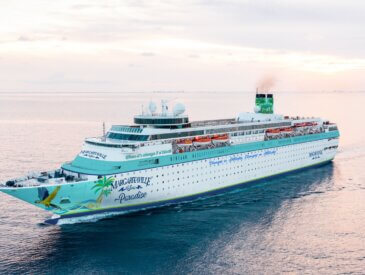
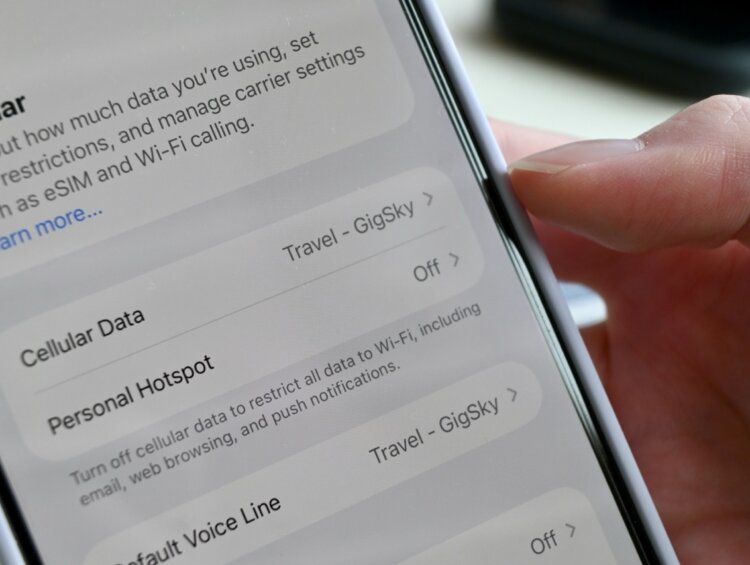
On my recent Celebrity cruise around Europe, I decided to try GigSky’s eSIM as an alternative to my phone carrier’s travel pass.
I don’t mind disconnecting when I’m on vacation, so I usually don’t pay for an international travel pass. However, there have definitely been times while traveling when I wished I could quickly look something up, check Apple Maps, or translate something without relying on Wi-Fi from a random coffee shop.
That’s why I decided to try GigSky on my recent Norwegian Fjords cruise on Celebrity Apex.
Note: GigSky gifted me a voucher so I could try their Messaging + Essentials plan. If you’re interested in trying a GigSky plan for yourself, browse available plans now. All opinions are our own. If you buy through our link, we will receive a small commission. Thank you for your consideration!
What is GigSky?
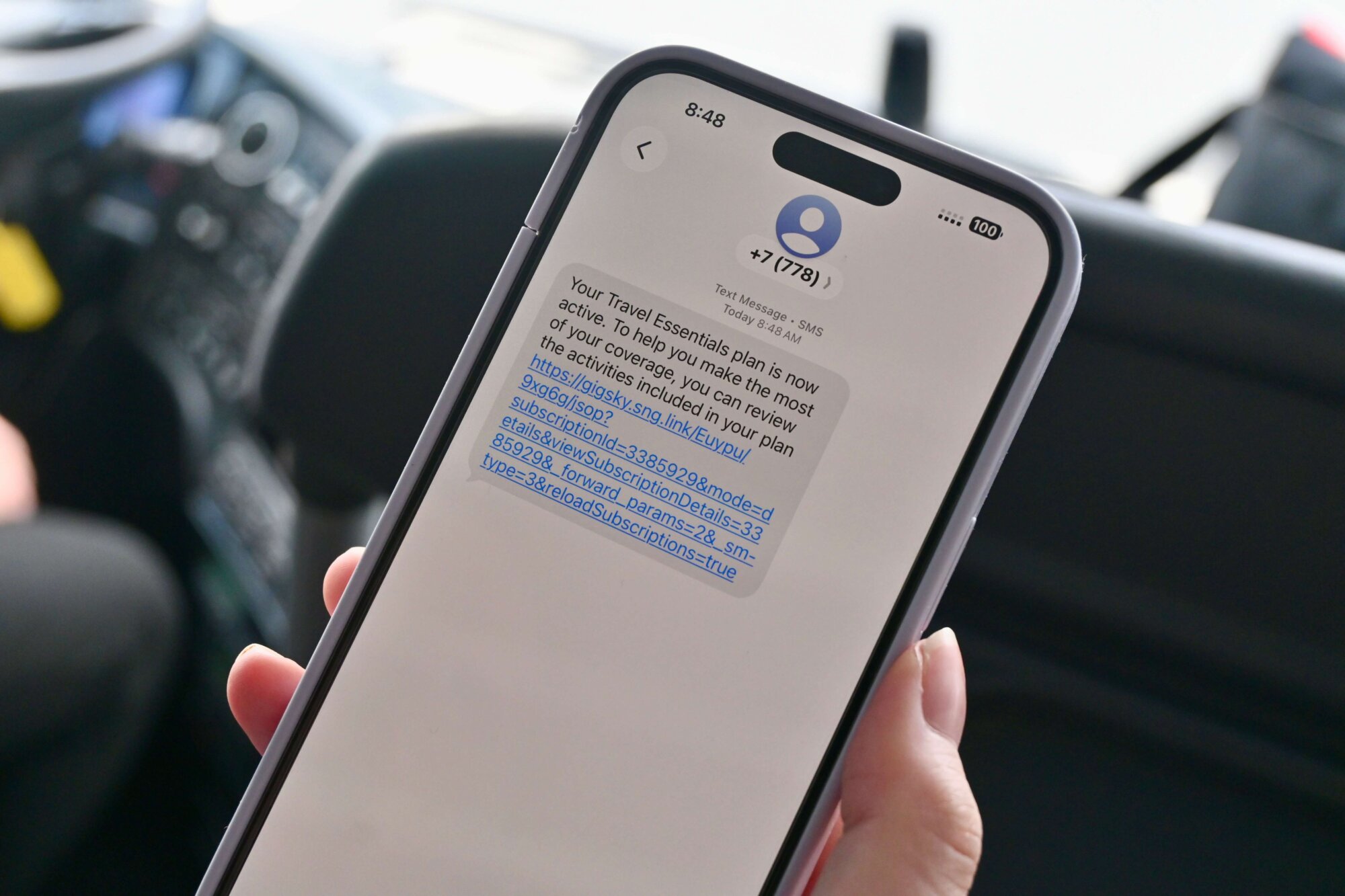
GigSky is an eSIM service that allows travelers to purchase mobile data without needing a physical SIM card. Instead of activating an international travel plan through your cell phone provider, you can purchase a GigSky data plan and use it while traveling.
The GigSky Messaging + Essentials plan (that can be used onboard your cruise and out on land) includes:
- Messaging through WhatsApp, iMessage, Telegram, Instagram, and Facebook Messenger
- Transportation through Uber, Lyft, Bolt, and DiDi
- Navigation on Apple Maps and Google Maps
- Email on Gmail and Outlook
- Translation on apps like Google Translate and iTranslate
It was fairly simple to set up the eSIM on my iPhone. It took about five minutes with the instructions given after activating the eSIM, so it’s very easy to use.
I mostly used GigSky while in port

The biggest benefit of GigSky was having basic data when we were docked in port. I mainly used it for Apple Maps, Google Translate, and iMessage.
Apple Maps was the most useful for me. For example, while we were on an excursion and driving from point A to point B (Haugesund to Skudeneshavn), I could see exactly where we were and how close we were to each destination.
I also liked being able to use Google Translate to take pictures of signs that were in Norwegian and translate them into English. This was helpful while we were shopping in a local grocery store in Flam!
I did use GigSky a little while onboard

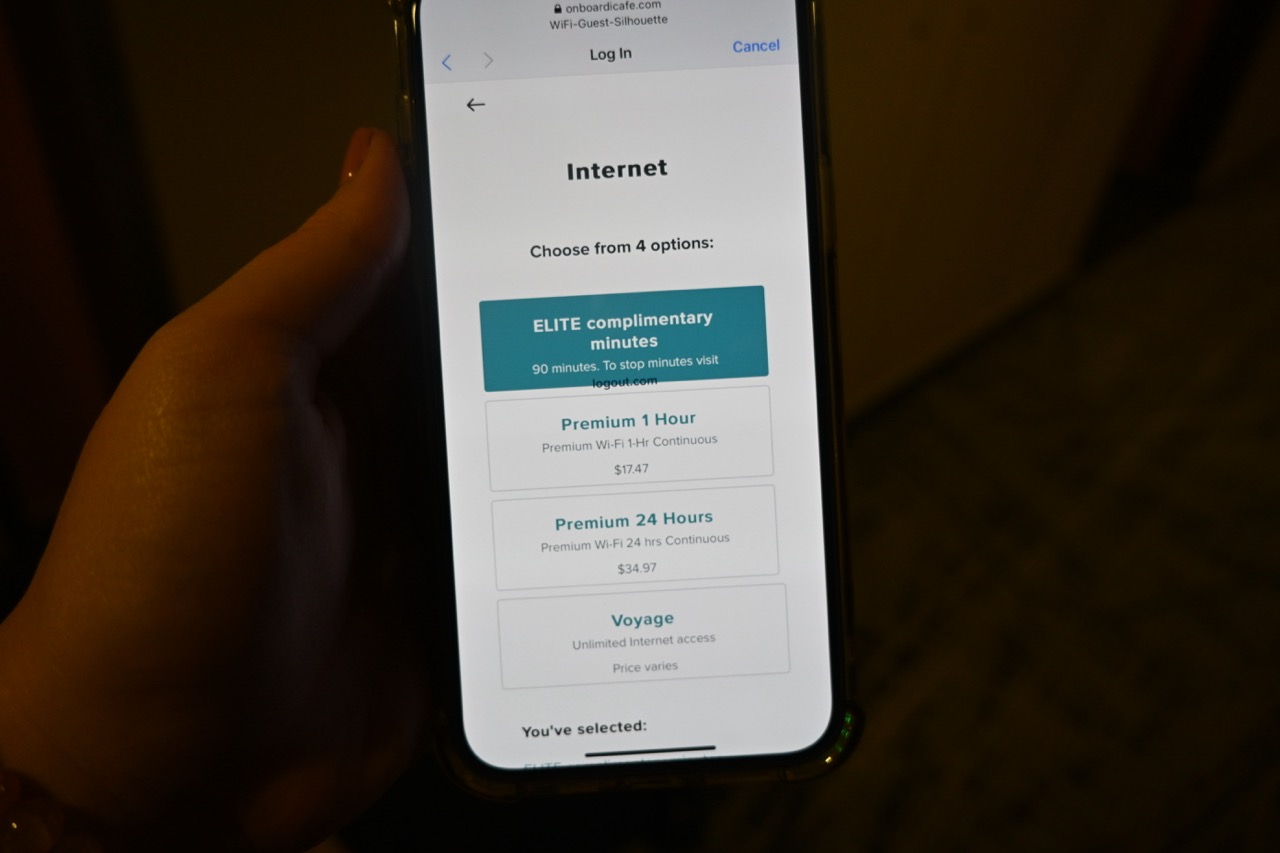
For context, I was sailing on Celebrity Apex and already had Celebrity’s basic Wi-Fi package included.
GigSky worked pretty well for messaging onboard. I could send messages without too much of a delay (I tried both iMessage and Instagram messaging), which was nice if I just wanted to stay in touch with family and friends.
But Celebrity’s basic Wi-Fi was noticeably faster when I wanted to actually use the internet.
So, GigSky worked well for messaging, but Celebrity’s Wi-Fi was much faster in comparison. For me, GigSky was definitely more useful while we were out exploring in port. If you’re wanting to do more than basic messaging, you might want to purchase an internet package for your cruise.
A few complaints I had with GigSky
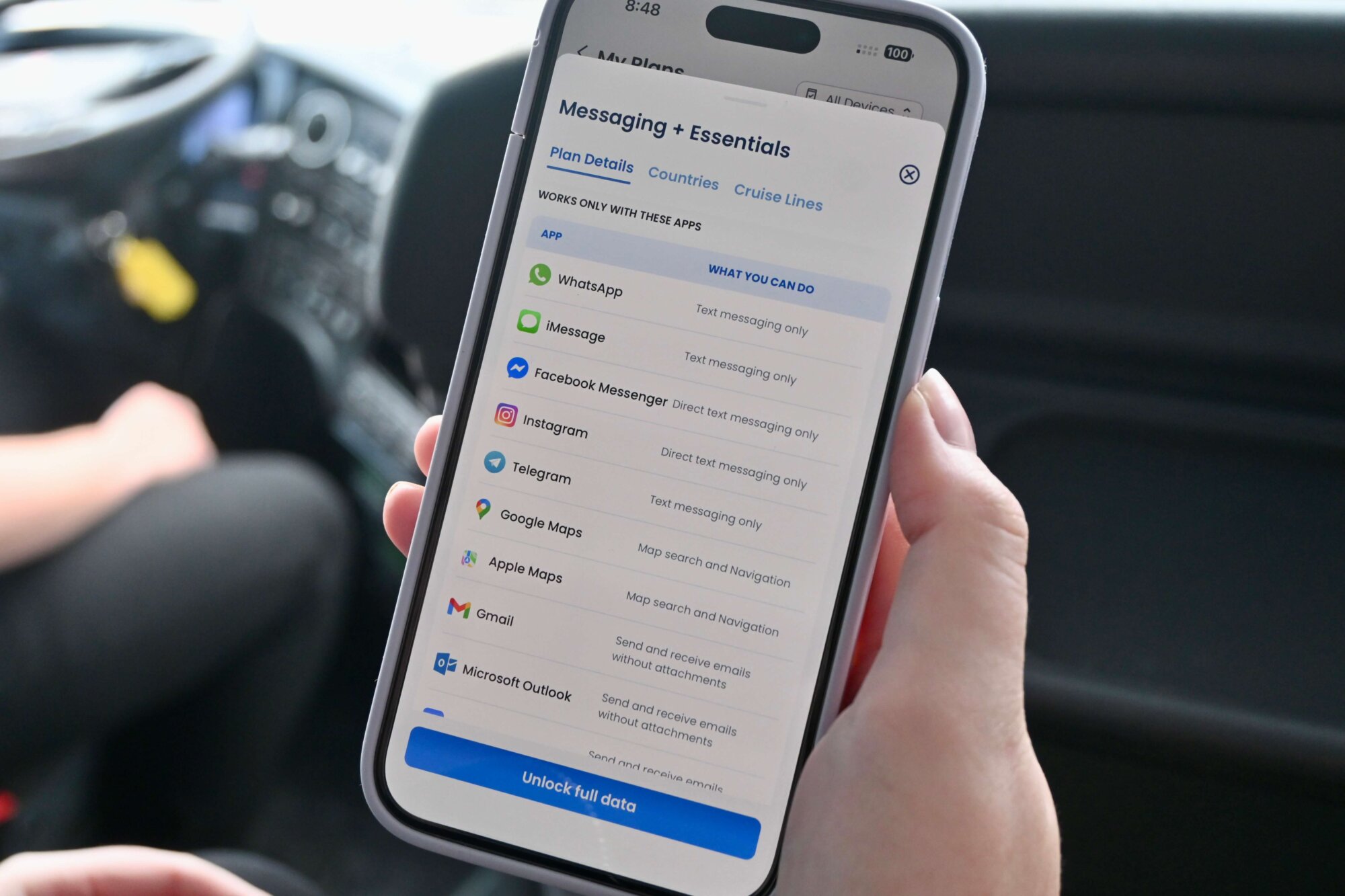
One thing I noticed about my GigSky plan was that I wasn’t able to use social media the way I normally would. You’re able to use Facebook Messenger and Instagram messaging, but scrolling your feed is not included in the Messaging + Essentials plan.
Browsing the internet is also technically not a part of this plan, although I was able to do a few searches in port and onboard with very slow service.
Lastly, I wish Lime was included as part of the transportation in this plan. I saw Lime scooters all over London and other European cities we visited, and it would’ve been cool to try one out. Unfortunately, I was not able to without a consistent internet connection.
GigSky was cheaper than using Verizon TravelPass
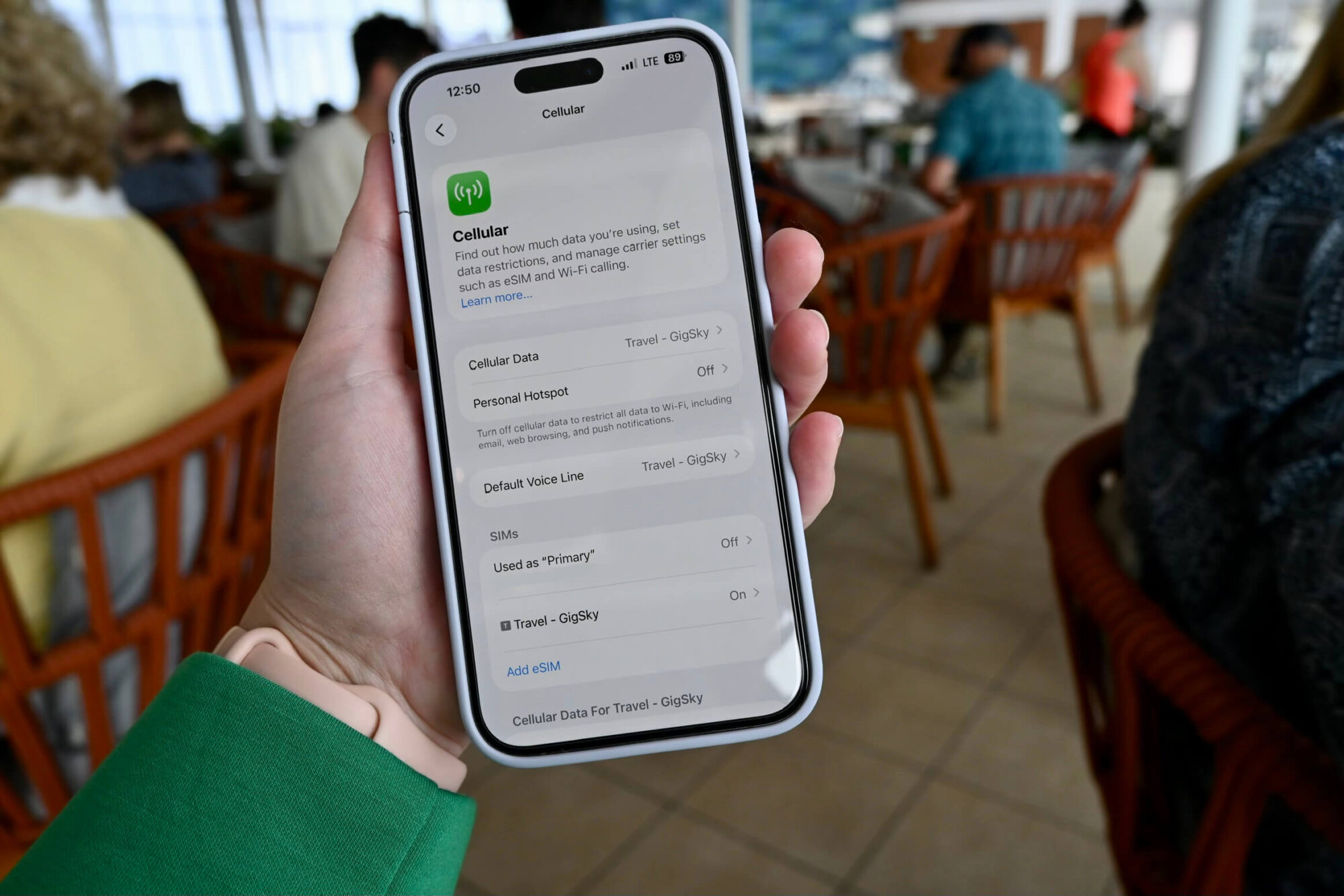
I have Verizon, and normally I could use TravelPass when I’m overseas. Right now, that costs $12 per day and includes unlimited data, talk, and text. On the other hand, my five-day GigSky plan cost a little under $30.
Yes, you can do a lot more on Verizon TravelPass than on GigSky’s basic plan. But for me, GigSky made the most sense.
For example, five days of Verizon TravelPass would have cost me $60, and I really didn’t need unlimited data, calls, and texts while traveling abroad. I just wanted to pull up a map, look something up, or send a message every once in a while.
If you’re someone who wants your phone to work exactly like it does at home, you’ll want a higher tier plan with Gigsky or an option with your cellphone provider, such as Verizon TravelPass. But if you’re like me and want a little internet access here and there without paying $12 every day, GigSky can be a fantastic option for the price.
In short, GigSky is great for basic connectivity while cruising
If you’re like me and normally skip the expensive international phone plan but still occasionally wish you had internet while exploring, GigSky is a nice alternative.
I liked that I could still disconnect for most of the day, but if I needed Apple Maps, Google Translate, or wanted to send someone a quick message, I had that option without hunting down free Wi-Fi.
I wouldn’t use GigSky as a complete replacement for cruise ship Wi-Fi, especially if you want reliable internet while you’re sailing. But for port days, I thought GigSky was really handy.